App-grouped overview
See windows grouped by application, then jump straight to the one you want instead of cycling through apps first.

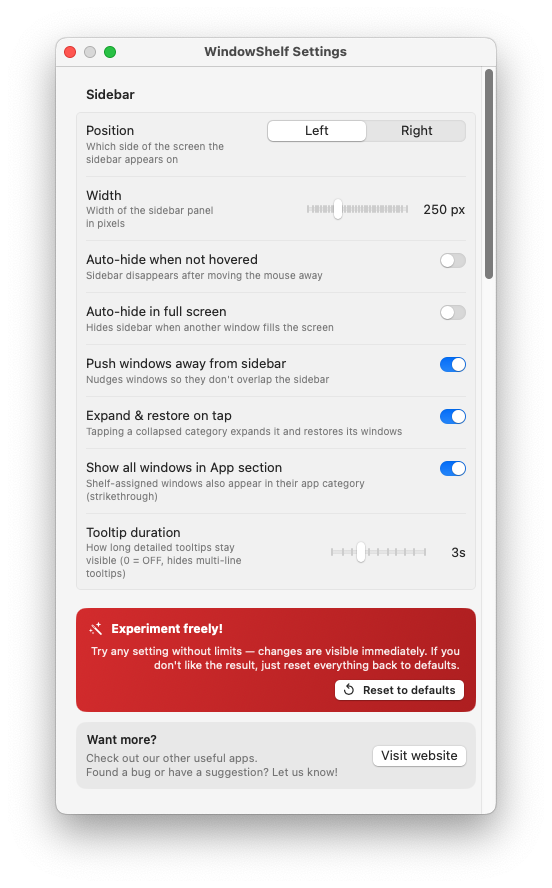
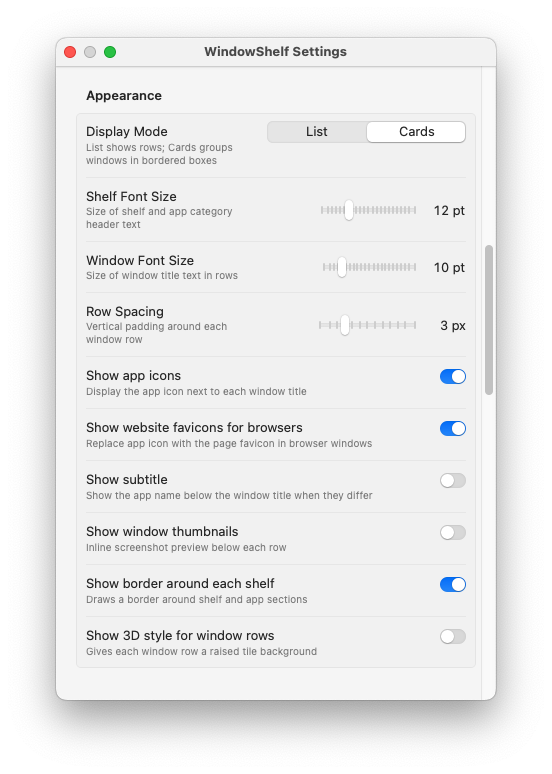
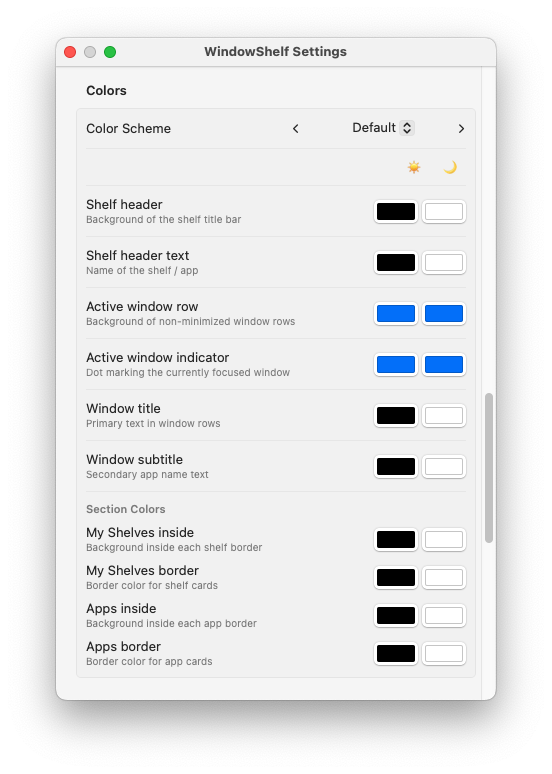
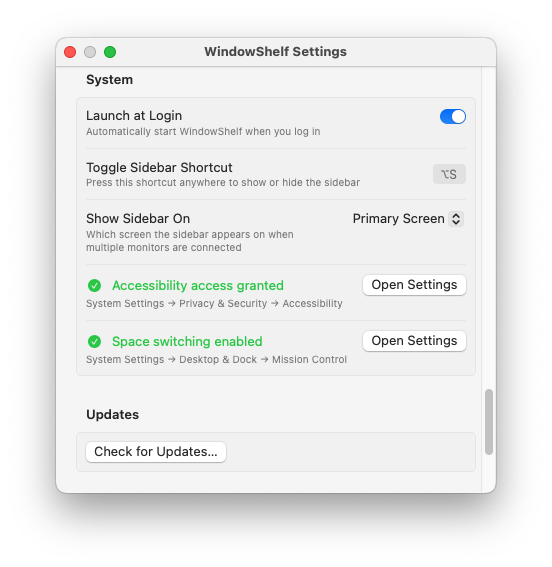
WindowShelf is for people who have outgrown app-only switching. Instead of cycling and hoping you land on the right window, you get a live sidebar with app groups, window titles, indicators, and fast focus actions.
See windows grouped by application, then jump straight to the one you want instead of cycling through apps first.
Get state cues in the sidebar so you can tell what is active, minimized, or already open at a glance.
Use keyboard navigation to move through the list and focus windows quickly without giving up visible context.
Window titles are visible, so you do not have to remember where everything lives.
Click or navigate to the exact item you want instead of cycling past unrelated app windows.
Keep the window list nearby while you continue working, especially when many apps are open at once.
No. Command-Tab switches apps. WindowShelf helps you switch windows with a visible sidebar and a more explicit overview.
Then the next page to read is window organizer for Mac, where the focus is shelves and project grouping.
Then go to tile windows on Mac to see how WindowShelf handles quick layouts.