Group Mac windows by task, not by app.
WindowShelf lets you create named shelves that hold windows from any app. Instead of searching through an app-centric window list, you organize by what you're working on — and switch at the task level.

Named shelves for real tasks
Create shelves like "Client A", "Deep Work", or "Comms" and drag windows from any app into them. Names, order, and collapse states persist across relaunches.
Drag windows across apps
Move a browser tab reference to the same shelf as your editor and terminal. Cross-app grouping maps your workspace to your workflow, not to Finder logic.
Keep your structure through restarts
Shelf assignments are tied to window signatures. Reopen the same document, and it can return to its shelf automatically — reducing daily rebuild effort.
What problem this page solves
macOS groups windows by application. If your task spans Safari, VS Code, Slack, and Preview, macOS gives you four separate groups. This page is about overriding that default.
- Group client windows — keep each client's browser, editor, and chat windows on one shelf
- Separate deep work from comms — collapse a "Comms" shelf to focus on code, then expand it later
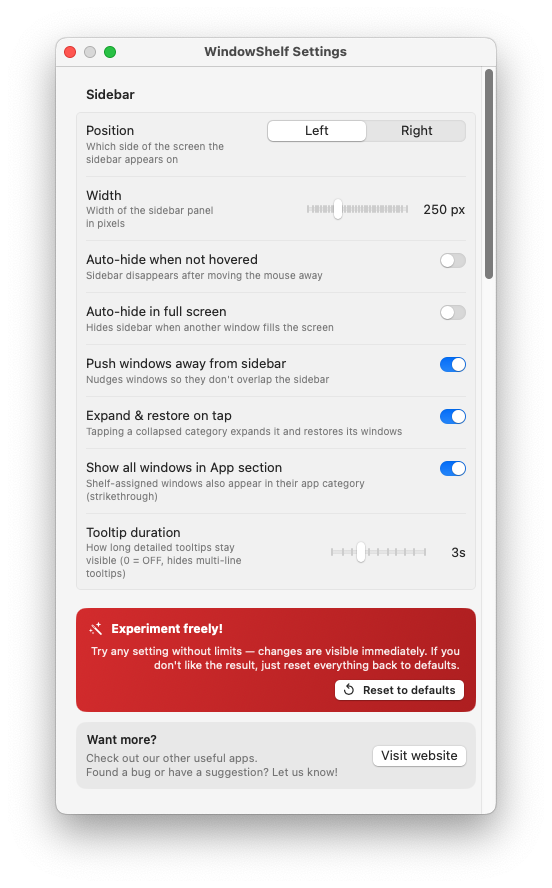
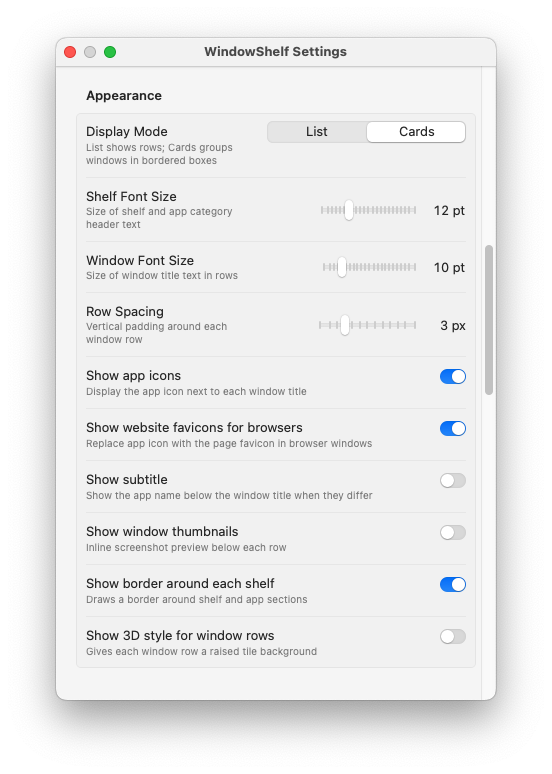
- Collapse what you don't need — shelves collapse, hide, and reorder to fit the current phase of work
- Restore focus faster — tap a shelf item to bring it forward, or use "Show Only" to isolate an entire group
Questions & answers
Can I name and reorder shelves?
Yes. Shelves can be renamed, reordered via drag, collapsed, and hidden. They persist across relaunches.
How is this different from tiling?
Tiling controls window position and size. Organizing controls grouping, naming, and visibility. WindowShelf offers both — see the tiling page for that angle.
Does organizing work alongside window switching?
Yes. The sidebar supports both — you can organize windows into shelves and switch between them from the same view. See the window switcher page for details.
Ready to organize?
Download WindowShelf and start grouping windows by task.
Download WindowShelf100% Free · v1.0.130