Sidebar-aware layouts
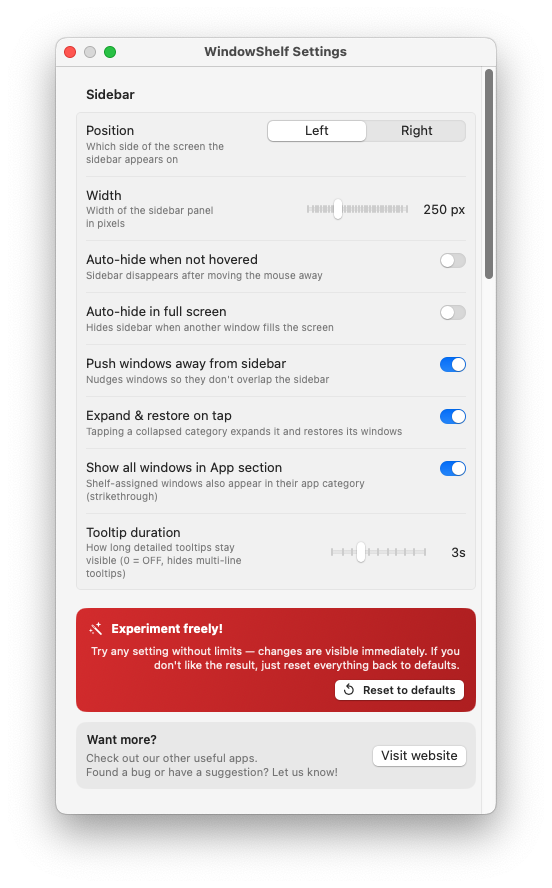
WindowShelf respects the sidebar width, so your arranged windows fit the real workspace you are using.
WindowShelf combines quick tiling actions with a live sidebar. That matters because layout control is more useful when you can still see, switch, and manage the windows you are arranging.

WindowShelf respects the sidebar width, so your arranged windows fit the real workspace you are using.
Open the tiling control for one window and move it where it needs to go without leaving the sidebar workflow.
Tile all windows in a category vertically and keep a project stack aligned on the side you prefer.
This page targets task-specific layout intent. It is intentionally separate from the broader organizer page and the switching page to avoid overlap.
Yes. That is one of the strengths of the sidebar model: layout control and visibility live together.
Absolutely. WindowShelf is especially useful when arranging several windows while still keeping track of everything else that is open.
If you use more than one display, continue with multiple monitor window manager for Mac.