Always-visible context
Instead of guessing what is open, you can scan a live sidebar and jump directly to the window you need.
WindowShelf is a strong option for Mac users who like the idea of better window organization, but want something more visible, more controllable, and less dependent on a hidden strip of recent apps.

Recent apps live on the left and can stay hidden until you move to the edge.
You can group apps together, but the model remains Stage Manager-centric.
Mostly focused on switching and grouping.
Built-in behavior may be enough, but control is limited.
An always-visible or edge-revealed sidebar lists windows directly.
Custom shelves let you build project groups from multiple apps.
Focus, minimize, restore, close, and tile windows from the sidebar.
Choose the primary screen or the screen under your cursor.
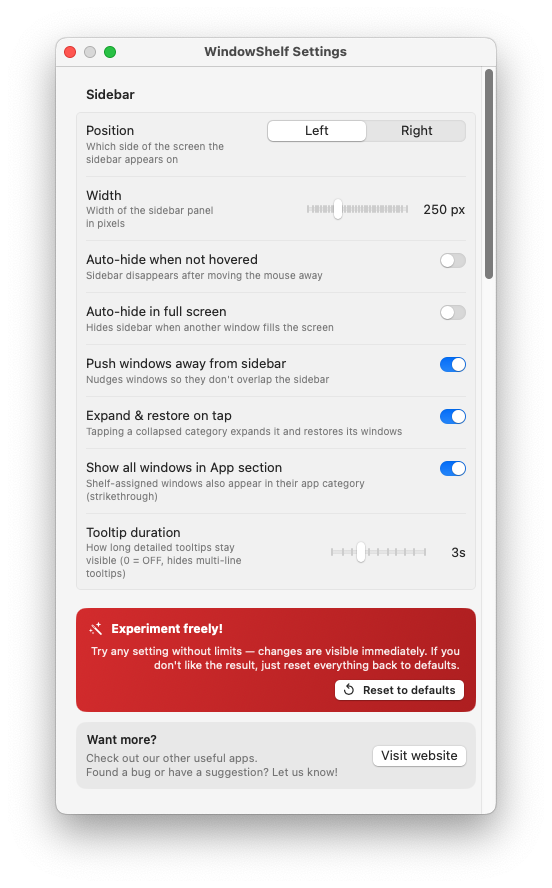
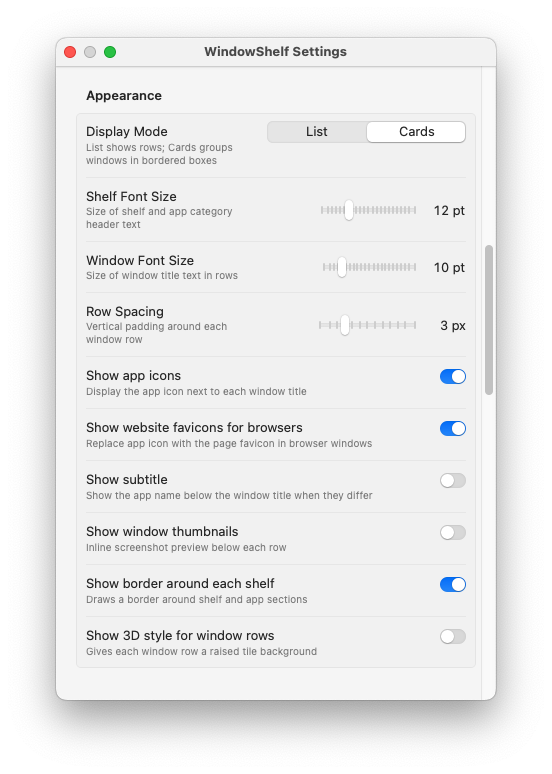
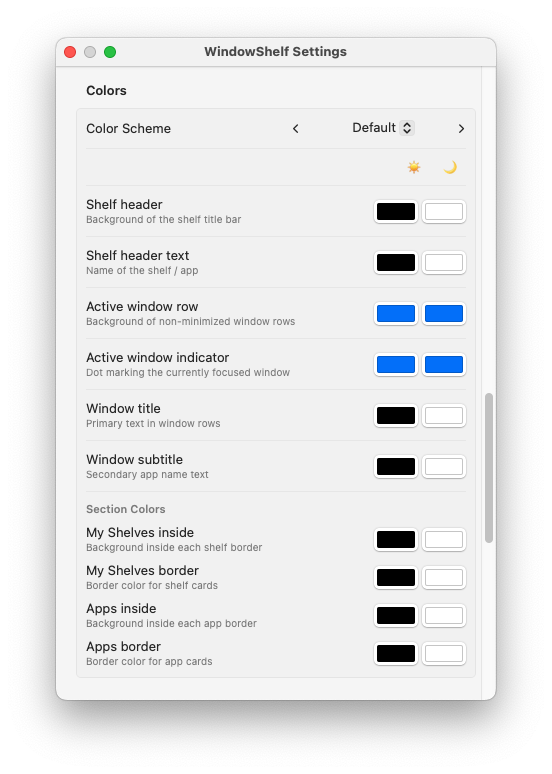
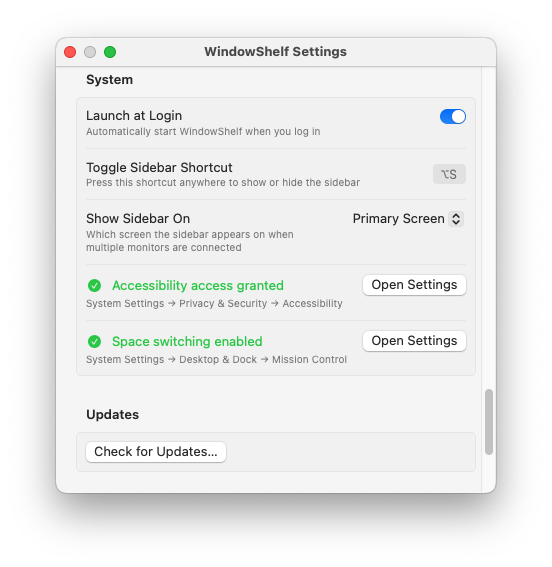
Instead of guessing what is open, you can scan a live sidebar and jump directly to the window you need.
Build shelves for launch prep, design review, research, support, or any other project that mixes multiple apps.
WindowShelf is a native app built for macOS, not a web wrapper bolted onto a desktop utility.
When you want a clearer overview of open windows, direct window actions, and cross-app grouping that is easy to revisit later.
No. It is a different workflow, not a clone. The strength is explicit sidebar visibility and project-based organization.
If switching is your main pain point, read Mac window switcher. If organization is the bigger issue, read window organizer for Mac.