Window-level visibility
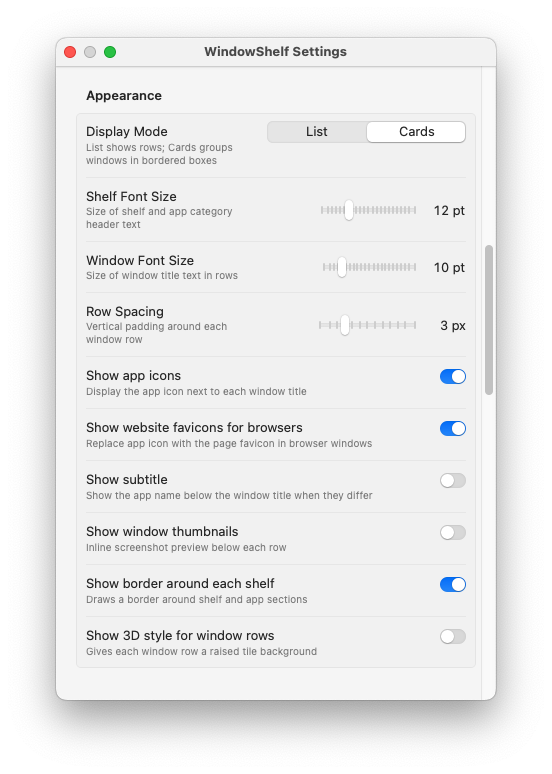
The best managers show individual windows, not just apps. You should see titles, icons, and active state at a glance.
Most window managers do one thing well. WindowShelf brings switching, grouping, and layout control together in a native sidebar that stays out of your way.

The best managers show individual windows, not just apps. You should see titles, icons, and active state at a glance.
Grouping by app is the default. The best tools let you group by project, client, or task with custom names.
Halves, quarters, maximize, center — without memorizing a grid of keyboard shortcuts.
A good window manager should feel like part of the system, not a heavy Electron overlay.
| Capability | Rectangle | Magnet | Stage Manager | WindowShelf |
|---|---|---|---|---|
| Window switching | — | — | Basic | ✓ Full sidebar |
| Window tiling | ✓ Keyboard | ✓ Keyboard | — | ✓ Click or menu |
| Custom groups | — | — | Limited | ✓ Named shelves |
| Visual overview | — | — | Thumbnails | ✓ Sidebar list + thumbs |
| Native Swift | ✓ | ✓ | ✓ System | ✓ |
| Multi-monitor | ✓ | ✓ | ✓ | ✓ With screen targeting |
You have VS Code, three terminal tabs, GitHub in Safari, a Jira board, and Slack open simultaneously. A shortcut-only manager can tile them, but gives you no overview. WindowShelf shows every window in a sidebar, lets you create a "Sprint" shelf containing code, terminal, and PR windows, and focuses the whole group with one action. When the sprint ends, remove the shelf — no leftover layout rules to clean up.
Figma, a client brief in PDF, reference screenshots, and a feedback thread in Teams. You need to compare outputs side by side while keeping feedback visible. WindowShelf tiles the review windows into quarters and collapses everything else. The sidebar shows which windows belong to the review so you never lose track.
Twelve browser tabs, two PDFs, a notes app, and a citation manager. Most window managers ignore browser windows entirely — they show "Safari" as one item. WindowShelf lists every open tab title, so you can jump straight to the paper you need without scanning a tab bar.
Zendesk, a knowledge base, an internal wiki, and Slack — each with multiple windows. During a shift, windows accumulate. WindowShelf lets you collapse finished-ticket app groups and keep the active ones expanded, reducing visible clutter without closing anything.
Some popular window managers started on Linux or Windows and were adapted for Mac. The result is often an Electron wrapper, unfamiliar UI conventions, or keyboard shortcuts that conflict with macOS defaults. WindowShelf is written entirely in Swift and SwiftUI with AppKit hosting. It uses the native Accessibility API for window control, the standard menu bar for its icon, and the macOS Keychain for storing update keys. The sidebar is an NSPanel — the same panel type macOS uses for inspectors and tool palettes — which means it never steals focus from your main work window.
That native foundation also means the app stays under 30 MB on disk, launches in under a second, and uses minimal CPU when idle. No background renderer, no embedded browser engine, no hidden processes. Just a sidebar that reads the window list and draws it with SwiftUI.
If you are evaluating window managers for Mac, here are the criteria that matter most in daily use:
Always-visible window list. The best window managers show you what is open without requiring a gesture or shortcut to invoke a temporary overlay. A persistent sidebar eliminates the need to remember what is where.
Grouping beyond app boundaries. Projects span multiple apps. A tool that only groups by application is not enough. Look for custom shelves or workspaces that let you combine windows from Chrome, VS Code, Figma, and Slack under one heading.
Native performance. Electron-based tools consume 200-400 MB of RAM and add latency to every interaction. Native Swift/AppKit apps like WindowShelf run under 30 MB and respond instantly. Over a full workday, the difference in system responsiveness is measurable.
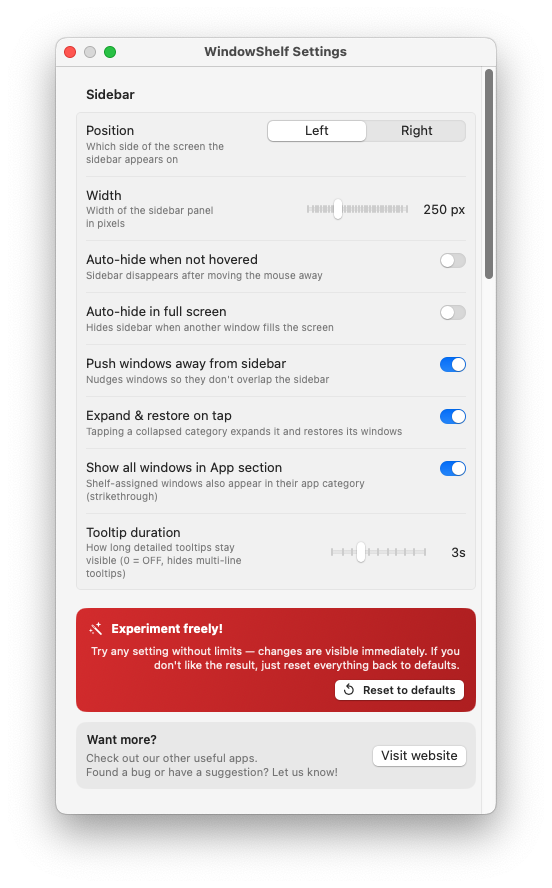
Window tiling without complexity. Some managers offer dozens of grid options that take time to configure. Right-click tiling into halves, quarters, center, or maximize covers the vast majority of real use cases with zero setup.
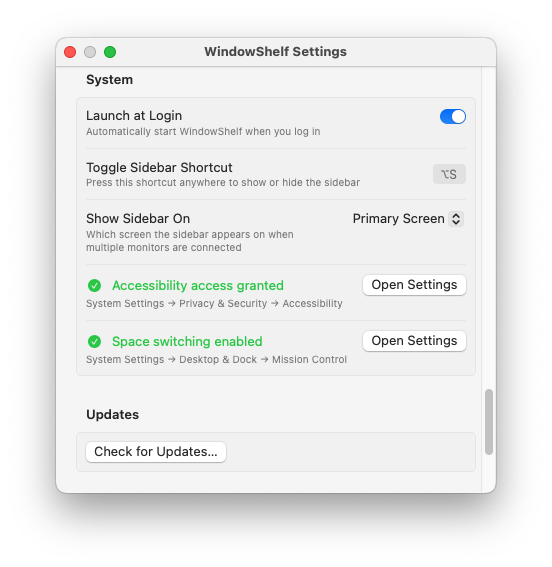
macOS integration. The manager should respect macOS conventions: standard shortcuts, menu bar presence, no Dock icon (LSUIElement), proper fullscreen behavior, and multi-monitor awareness. WindowShelf checks all of these.
It should help you find, switch, organize, and position windows quickly without adding complexity or feeling foreign on macOS.
Rectangle and Magnet focus on snapping and tiling through keyboard shortcuts. WindowShelf adds a visual sidebar for switching, grouping, and overview — a broader window switching workflow.
Yes, WindowShelf is a free download. It runs natively on macOS 13+ and supports both Apple Silicon and Intel Macs.